Meta Ads for Local Businesses in Cancún: Step-by-Step Guide
Meta Ads for local businesses in Cancún: pick the right objective, set your area, build ads people stop to watch and track what actually brings in customers.

Advertising on Facebook and Instagram can fill your inbox with messages, or it can burn your budget on likes from people who never walk through your door. The difference is rarely the button you click. It's the decisions you make before you click it. In this guide you'll build your first local campaign with a clear head: which objective to choose, who should see the ad, what to put on screen and how to tell whether it worked.
Cancún has a quirk most guides ignore: two very different audiences share the same city. There's the person who lives here, commutes down Bonampak Avenue and is looking for a place to eat on Sunday. And there's the visitor staying in the Hotel Zone, planning the day from a phone, sometimes in another language. One ad rarely speaks well to both.
Before you start: what you need ready
Before you open Ads Manager, check these pieces.
- A Facebook Page and an Instagram professional account linked to each other, with an up-to-date profile photo, hours, address and phone number.
- A business portfolio with your ad account and a payment method, so access belongs to the business and not to one person.
- A clear destination for whoever clicks: your WhatsApp Business, a form, a page on your website or your profile. If you choose WhatsApp, connect the number to your Page first; Meta walks you through it in its guide to connect your Facebook Page to WhatsApp.
- Someone to answer. A message nobody answers until the next day is money going cold. If that's where you're stuck, take a look at our automated customer service on WhatsApp and Instagram.
- Your own visuals: photos and short videos of your product, your space and your team at work. If you don't have any yet, our guide to shooting professional-quality reels shows you how to do it with your phone.
A local ad isn't competing with the world. It's competing with the block.
Step by step: your first local campaign
1. Pick one result that matters to you
The first question isn't "How much do I spend?" It's "What do I want to happen when someone sees this ad?" Write it down in one sentence, and make it something you can count: WhatsApp messages, calls, bookings or sign-ups.
Ads Manager asks you to choose a campaign objective right at the start, and that choice tells the system who to look for within your audience. Today the objectives are grouped into broad categories such as awareness, traffic, engagement, leads and sales; Meta explains when to use each one in its official guide to choosing the right ad objective. For a local business, here's the rule of thumb:
- If you want conversations on WhatsApp, Messenger or Instagram Direct, look for the objective that lets you set messaging as the destination.
- If you want contact details (name, phone number) so you can call people back, use the leads objective with a form.
Example: picture a bakery launching its pan de muerto for Day of the Dead. Its goal isn't "get people to know us." It's "get people to message us to reserve a loaf": a messaging objective with WhatsApp as the destination.
Common mistake: choosing traffic or engagement because they're "cheaper," then getting frustrated when nobody buys. The system delivers exactly what you asked for: clicks or likes, not customers.
2. Draw your area on a map, not in your head
Grab a map and mark how far your customers really travel. A neighborhood taco stand serves a handful of neighborhoods; a specialized dental clinic can draw people from across the city and even from Playa del Carmen.
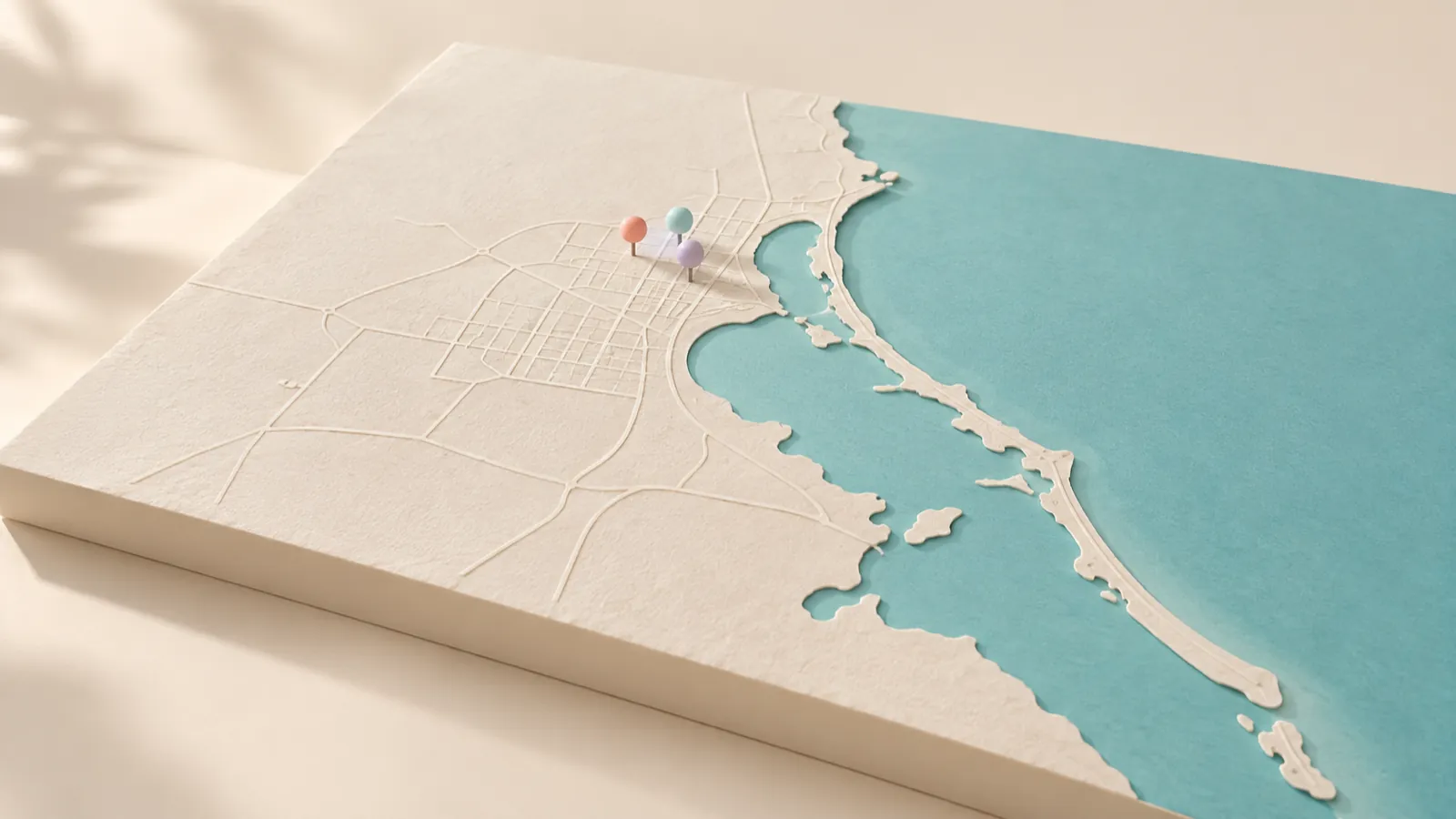
In the audience section of your ad set you can choose a country, state, city, ZIP code or a radius around a point. Meta covers every option in its help article on how to use location targeting. Right there is a setting that changes everything in Cancún: you can reach people living in the location, people living in or recently in it, people recently in it, or people traveling in that area.
- If your customer is local (a gym, a language school, an accounting firm), choose people living there.
- If your customer is the visitor (a tour, a dive gear rental, a restaurant in the Hotel Zone), the people traveling option will serve you better.
Common mistake: leaving the default setting unchecked and paying to show your monthly gym membership ad to someone flying home on Thursday.
3. Think in people, not scattered interests
Meta tends to recommend broad audiences within the limits you set (location, age, language). For a local business that's usually enough, because your area is already a very strong filter.
What you do need is a clear picture of your customer, because that shapes the ad. Answer these in writing:
- Who buys, and who decides? (At a daycare, one parent buys; the couple decides.)
- What time of day do they think about what you sell?
- What's holding them back before they message you? (Price, hours, parking, whether you serve customers in English.)
Common mistake: expecting targeting to do the message's job. A perfect audience with a confusing ad won't convert.
4. Make ads people stop to watch
On a phone, your ad is up against a nephew's video and the group chat meme. What stops the thumb is something recognizable and concrete: steam rising from a cup of café de olla, a barber's hands finishing a fade, afternoon light pouring through the window of your shop.

Build several versions of the same message, each with a different visual opening. For a pizzeria, for example:
- Version A: the cheese stretching as the first slice comes up.
- Version B: the pizzaiolo sliding the peel into the oven, flames in the background.
For the copy, use a simple structure you can borrow:
Wood-fired pizza in SM 20. Order on WhatsApp and pick it up, or we'll bring it to your door.
Notice what it covers: what you sell, where you are, what to do next. Shoot vertical, since that's how most people watch on their phones, and add captions, because a lot of people watch with the sound off. If your audience is tourists, make an English version in a separate ad set; don't mix languages in the same copy.
Common mistake: running your animated logo as your only creative. Customers care about what they'll eat, wear or feel. If your visual identity isn't defined yet, it's worth sorting out through a branding process, so all your ads look like they come from the same house.
5. Set your budget with logic, not fear
We won't give you a number, because it depends on your average ticket, your margin and your area. What we will give you is a way to think about it:
- Figure out what a new customer is worth to you: not the first purchase, but what they usually spend with you over several months.
- Decide how much you'd be willing to pay to win one. That's your target cost per result.
- Set aside a test budget you can lose without it hurting. Your first campaign is for learning, not for getting rich.
Concentrate your money: a few well-funded ad sets learn faster than many running on crumbs.
Common mistake: pausing everything on day two because "it's not working." The system needs time and data to find your people.
6. Check placements and schedules
Meta can show your ad on Facebook, Instagram, Messenger and other ad placements across its network. Check the preview in Stories, Reels and Feed: copy that reads well in the feed can end up hidden behind the buttons in Stories. And if you only answer during certain hours, set up an auto-reply for anyone who writes in the middle of the night.
7. Measure what happens after the click
Ads Manager tells you how many people saw your ad, clicked or sent a message. What it doesn't tell you is how many bought, and that's the number that matters.

Set up a simple log in a spreadsheet: date, which ad they came from, what they asked, whether they bought and how much. Ask whoever handles WhatsApp to slip in the question naturally: "Did you find us on Instagram?" A few weeks of tracking will tell you more than any dashboard.
If you have a website, install the Meta Pixel and the Conversions API so the system learns to find people who buy, not just people who click.
In Ads Manager, watch a few metrics, and always the same ones:
- Cost per result, based on the objective you chose.
- Frequency: how many times, on average, the same person has seen your ad. If it climbs too high, your audience is getting tired of it.
Common mistake: judging an ad by its likes. An ad with few likes that brings in good messages is worth more than a viral one that brings in none.
8. Adjust calmly and repeat
Once the test period is over, compare your versions. Turn off the one with the worst cost per result, keep the best one running and create a new one to compete against it. That patient cycle is almost the whole craft.
Change one thing at a time, and keep the campaign fed with fresh material planned in your content calendar.
Common mistakes and a pre-launch checklist
Before you hit publish, run through this list:
- The campaign objective matches the result you wrote down in step 1.
- The location is drawn correctly, and you chose who to reach: residents or visitors.
- There are several versions of the ad, each with a different visual opening.
- The copy says what you sell, where you are and what to do next.
- Videos are vertical and have captions.
- You checked the preview in Feed, Stories and Reels.
- The destination (WhatsApp, form, website) works, and someone will answer.
- You have a spreadsheet to log who came from the ad and whether they bought.
- You decided ahead of time how many days you'll wait before judging.
And the most common beginner mistakes: running a single ad and concluding that "Meta doesn't work," mixing local and tourist audiences in the same ad set, and sending people to a messy profile or a website that's slow to load.
When you're ready to go further
With this guide you can launch your first campaign on your own. Once you know which ad brings you customers, the next leap usually comes from two places: your material (photos and videos that feel like your brand) and how quickly and how well you respond after the click. At BDB, a marketing agency in Cancún, we work on both, from visual production to automated customer service. If you'd like to go over your case with us, reach out through our contact page.
Frequently asked questions
Should I boost a post or build the campaign in Ads Manager?
Boosting a post is quick, and it works well for giving more reach to something that already did well organically. Ads Manager gives you more control over the objective, the area, the placements and the tracking.
How long should I let an ad run before I judge it?
Give it enough days for the system to spend the budget and for you to see a pattern, not just one good or bad day. Don't keep tweaking it, because every major change restarts the learning phase.
Can I show my ads only to people who live in Cancún and not to tourists?
Yes. In the location settings you can choose to reach people who live in the area instead of people passing through or recently there. Meta explains these options in its official help article on location targeting.
Do I need a website to advertise on Meta?
No, it isn't required. You can send people to WhatsApp, Messenger, Instagram Direct or a form inside the platform. Still, a fast, clear website gives you a place of your own to track conversions, and it shows customers you're a serious business.