How to Plan Your Business Website: Structure and Content
How to plan your business website step by step: set the goal, build the sitemap, wireframe each page, and gather copy and photos before design starts.

A website doesn't start on a designer's computer. It starts on a sheet of paper, with some uncomfortable questions about what it's for and who it's talking to. In this guide, you'll plan your site from start to finish: the goal, the page map, a sketch of each page and the content you need before anyone opens a design program.
When a website goes wrong, it's rarely the design. It goes wrong because nobody decided what it had to achieve, because pages were invented along the way, or because the copy showed up at the end, written in a rush to fill gaps. The result is a pretty site that doesn't answer what the customer came to ask.
Planning well saves you weeks of back-and-forth, and it puts you in a much clearer position with any provider, whether that's an agency, a freelance developer or a platform you build on yourself.
Before you start: what you'll need
You don't need special software. This is enough:
- A notebook or a shared document.
- Index cards or sticky notes, so you can move pages around without erasing.
- Your brand guidelines, if you already have them. If not, our guide to building brand guidelines step by step shows you how, because your colors, typefaces and tone will come from there.
- One or two uninterrupted hours for each step. Even better if the person who deals with customers every day takes part.
How to plan your website, step by step
1. Set one primary goal and one secondary goal
Finish this sentence: "My website exists so that the person who lands on it…". Then give it a measurable verb: messages me on WhatsApp, books an appointment, requests a quote, buys online, walks into the store.

Pick one primary goal and, at most, one secondary goal. Everything else on the site should serve those two.
Illustrative example: picture a yoga studio in Mérida. Its primary goal is for visitors to book a trial class; the secondary one, for them to join the mailing list to hear about workshops. With that settled, every page ends with a booking button, and the sign-up form sits somewhere visible without competing for attention.
Questions to guide this step:
- What action would your ideal customer take right before buying from you?
- What happens today when someone finds you online? Where do you send them?
- A few months from now, how will you know whether the site is doing its job?
Common mistake: saying the goal is "to have an online presence." Presence can't be measured or achieved; a goal like that produces sites that end up as forgotten brochures.
2. Know who's coming and what they want to ask
Write two or three short profiles of the people who will visit your site. You don't need to invent a name and an age for them; their situation and their main question are enough.
For example, for a veterinary clinic:
- Someone with an emergency who needs to know if you're open and how to get there, right now.
- Someone looking to vaccinate a puppy who wants to compare services and trust.
- An existing client who just wants the phone number or to book an appointment.
Now make a list of the real questions people ask you by phone, on WhatsApp or at the counter. That list, unpolished, is the raw material for your site. If you get asked ten times a day whether there's parking, that answer needs to be in plain sight.
Common mistake: writing the site for yourself or for your competitors, around what you're proud of, instead of for the person who arrives in a hurry with a specific question.
3. Build the sitemap
The sitemap is your page tree: which pages exist and how they connect. This is where index cards become your best friends.
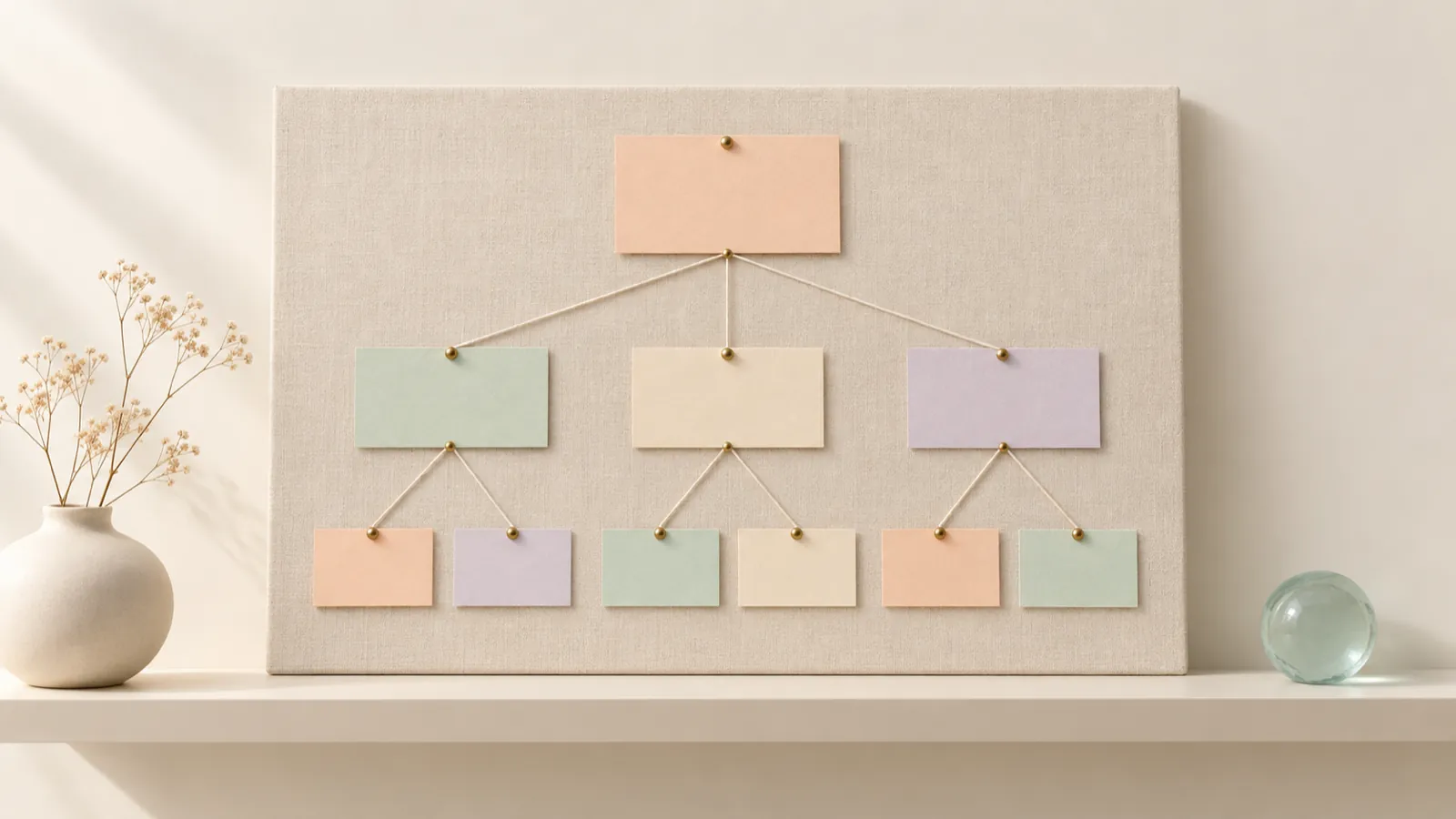
Here's how:
- Write every page you can think of on cards, one page per card.
- Group the ones that answer the same kind of question. For example, everything about "what you do" together, everything about "who you are" together.
- Choose four to seven groups, at most, for the main menu. More than that overwhelms people.
- Put the home page at the top, the groups below it, and each group's child pages below that.
- Check that every question on your list from step 2 has a page where it gets answered.
A base structure that works for many service businesses:
- Home: sums up who you are, what you do and what to do next.
- Services: one overview page and, if each service is different, a dedicated page for each one.
- About: your story, your team and why people should trust you.
- Work or portfolio: visual proof of what you do.
- Contact: details, map, hours and a form.
Individual service pages are especially valuable: they let you explain each offering in depth, and they give search engines a clear page for each search. If your business serves customers at a physical location, make sure your contact page uses exactly the same details as your Google Business Profile; we explain why in our guide to local SEO and Google Maps.
Think about each page's address, too. In its documentation on URL structure, Google recommends using readable words, separated by hyphens, in your audience's language. "/services/teeth-cleaning/" makes sense; "/page?id=4821" doesn't.
Common mistake: copying another site's menu because "that's how it's done." Your menu comes from your customers' questions, not from someone else's website.
4. Sketch every page before you design
A wireframe is a simple drawing of a page made of boxes and lines: where the headline goes, where the photo goes, where the button goes. No colors, no typefaces. Its job is to decide the order of the information.
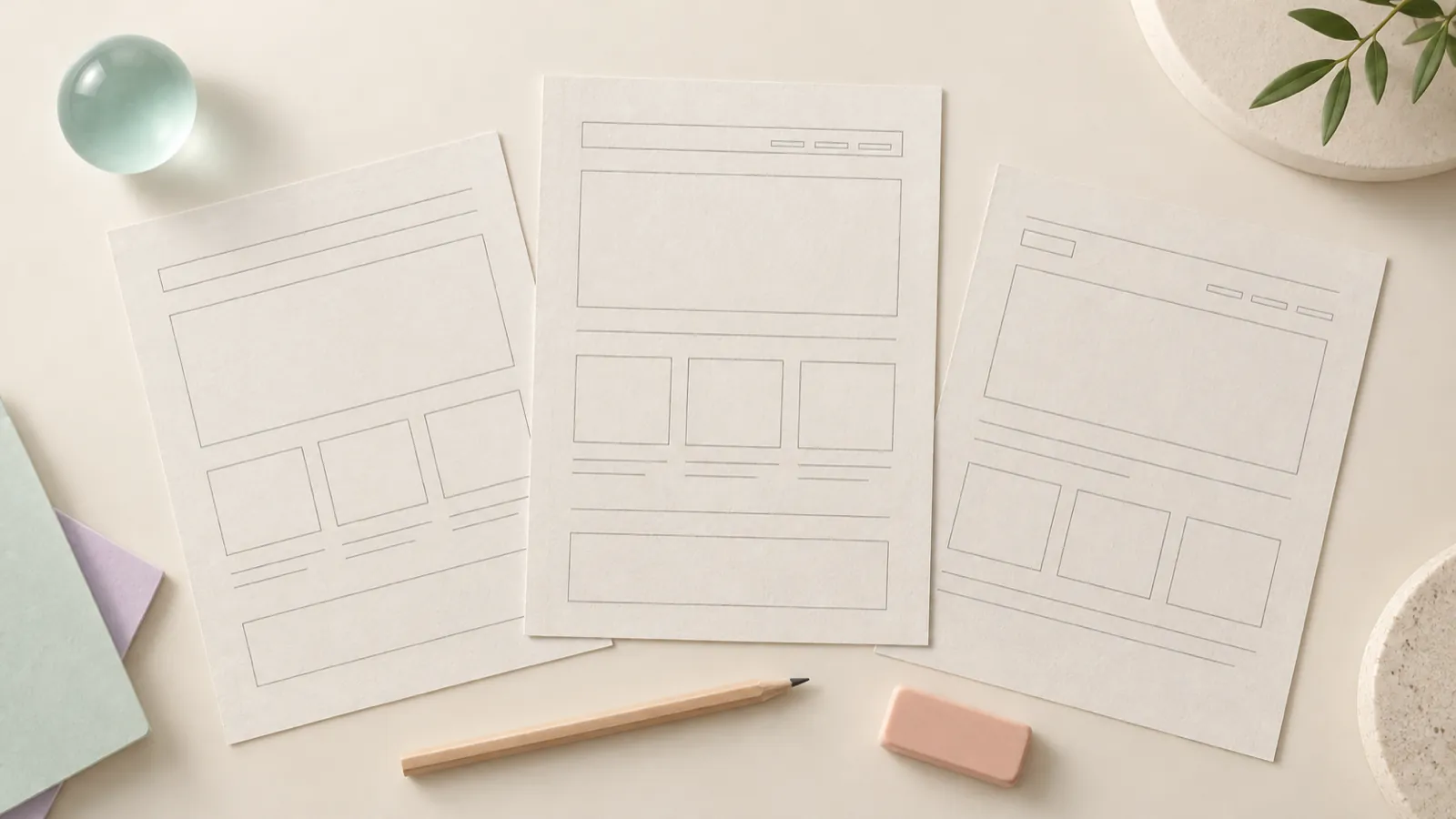
Draw the mobile version first, because it's the most demanding: everything stacks into a single column, so it forces you to decide what comes first. For each page, answer these in the wireframe:
- At the very top: what does the visitor see without scrolling? They should understand what you do and what they can do there.
- In the middle: what do they need in order to trust you? Proof, examples, your process, answers to their doubts.
- At the end: what's the action? Repeat the main button.
Illustrative example: the page for a woodworking shop that builds custom kitchens could flow like this: a wide photo of a finished kitchen, the wood lit from the side, under the headline "Custom kitchens in solid wood"; below it, three steps showing how they work; then a project gallery; after that, FAQs about timelines and materials; and at the end, a button to book a measuring visit.
Show the wireframes to two or three people who don't know your business and ask them: "What does this company do, and what would you do next?" If they hesitate, the order isn't working yet.
Common mistake: skipping the wireframe and jumping straight to color. Color distracts you and gets you approving things for how good they look, not for how well they communicate.
5. Write the content before the design
With the sitemap and wireframes ready, write the copy for each page. It doesn't have to be perfect; it has to be real. Use this template for every page:
- Headline: what this page offers, in the words your customer would use.
- Subheadline: who it's for and what they get.
- Body: the answers to the questions this page needs to settle, in short paragraphs.
- Proof: examples of your work, your process or real guarantees.
- Action: the exact button text ("Book your visit," not "Submit").
Write the way you talk to a good customer: clear, direct, with concrete details. "We deliver to your office before ten" says more than "excellent service." If you use AI to speed up the draft, go over it carefully so it sounds like your brand; the tool doesn't know your processes or your customers.
Common mistake: leaving the copy for last and approving a design full of placeholder text. When the real copy arrives, it doesn't fit, falls short or contradicts the design.
6. Gather photos, videos and documents
Visual content is half your site. Take inventory of what you have and what's missing, page by page.

A practical checklist:
- Your logo in high resolution, with versions for light and dark backgrounds.
- Well-lit photos of your space, your product and your team at work.
- Photos of finished projects, if you're a service business.
- A short video showing the atmosphere or the process, if you have one.
- Legal copy: a privacy policy and, if you sell online, terms and conditions plus shipping and return policies.
- Final contact details and links to your social profiles.
If you find you're short on photos, it's better to solve that before design than to fill the site with stock images that look nothing like your business. A customer who walks in after seeing your website should recognize the place.
Common mistake: using photos pulled from the internet without usage rights. Beyond the legal risk, they cost you credibility.
7. Decide how the site will be maintained
Before you build, decide who will update the site and how often. Does your menu change every season? Do you run promotions? Do you add projects every month? That answer determines whether you need an easy-to-use content management system, which sections should be editable without help and whether a blog makes sense.
Think about what happens after the click, too. If your goal is for people to message you on WhatsApp, someone has to reply promptly; if it's a form, decide which inbox it goes to and who checks it.
Common mistake: planning a site with lots of dynamic sections and nobody to keep them fed. A news section whose latest post is two years old tells visitors the business has been neglected.
Checklist before moving on to design
- Primary and secondary goals written down with a measurable verb.
- Visitor profiles and a list of real customer questions.
- A sitemap with four to seven menu groups and every question assigned to a page.
- Readable page URLs in your audience's language.
- A mobile wireframe for every page, tested with someone outside the business.
- Real copy for every page, with headlines and buttons defined.
- An inventory of photos, videos and legal copy, with the gaps identified.
- An owner and an update schedule defined.
Next step: building it right
With this plan in hand, any team can build your site faster and with fewer surprises. At BDB, our team in Cancún, Mexico, builds custom-coded websites designed to load fast and to help Google and AI assistants understand what you do. You can see how we work in our web packages. And if you'd like us to review your plan before you start, reach out through our contact page.
Frequently asked questions
How many pages should a small business website have?
As many as your customer needs to make a decision, and not one more. Plenty of small businesses do well with a home page, services, about and contact, then grow later with individual service pages or a blog. Start with the pages that answer your customers' real questions, and add more once you have real content to fill them.
What comes first, the design or the copy?
The copy, or at least a solid draft. Design exists to organize a message and give it shape. If there's no message yet, the design fills up with placeholder text that later doesn't fit or doesn't say anything.
Do I need a blog from day one?
Not necessarily. A blog works when you can publish on a fairly steady schedule and you have topics your customers are searching for. If you can't keep it up, it's better to launch without a blog and add one when you have a plan than to show a section with two old posts.
Can I plan the site myself before hiring an agency?
Yes, and you should. Showing up with a clear goal, a draft sitemap and your materials gathered makes the conversation with any provider faster and the quote more accurate.