Corporate Video That Sells: How to Plan It Step by Step
Corporate video that sells: learn to plan it from the goal, script and location to lighting, editing and distribution, with ready-to-use templates.
A corporate video that sells doesn't start with a camera. It starts with a question: what do you want people to do when it ends? In this guide you'll plan your video from start to finish, from the goal and the script to the location, the light, the edit and where to publish it, so every minute you shoot works toward a sale.
Plenty of companies shoot a beautiful video nobody remembers: drone shots, epic music, a walk through the office. At the end, viewers still don't know what the company does for them or what to do next. The problem is almost never the gear. It's that nobody decided, before shooting, who the video is talking to and what it should change.
Before you start: what you need to have clear
Gather these before you write a single line of script:
- Your brand guidelines or, at the very least, your colors, typefaces and tone of voice. Your video is one more piece of your identity. If you don't have guidelines yet, start with our step-by-step brand guidelines guide.
- A description of your ideal customer and their real questions: what they ask you on WhatsApp, what worries them before they buy, what makes them decide.
- Where the video will live. Your website's home page is not a sales deck, and neither one is an ad.
How to plan your corporate video, step by step
1. Define one goal and one action
Write in one line what should happen after someone watches the video. Not “get to know us,” but something you can observe: they book a visit, ask for a quote, understand what sets your service apart, trust you enough to reach out.
Why it matters: every decision that follows (what gets said, who's on camera, how long it runs) is measured against that goal. If the video tries to cover the company's history, every service, the team and its social impact all at once, it lands none of them.
Example: picture an architecture firm in Mérida that wants more residential projects. Its goal could be “a family thinking about building asks us for a first meeting.”
Common mistake: writing three goals and keeping all of them. If you have three goals, you have three videos.
2. Write your core message in one sentence
Before the script, write the idea viewers should be able to repeat in their own words. One sentence, no empty adjectives.
To find it, answer these questions:
- What problem does your customer have before they find you?
- What do you do differently to solve it?
- What proof can you show on screen, not just say?
- How does your customer feel once the problem is solved?
For the architecture firm, the sentence could be: “Building your home doesn't have to be chaos, because we show you every stage before it happens.”
If you can't say it in one sentence, you're not ready to shoot it.
Common mistake: confusing the message with the slogan. A slogan is short and memorable; the core message is the concrete promise the video is going to prove.
3. Build the script on a structure that leads to action
A corporate video that sells usually follows a simple arc. Use it as a template:
- Hook. The first few seconds name the problem or show something the viewer recognizes.
- Problem. Describe your customer's situation in concrete detail: the build that keeps slipping, the calls nobody returns, the budget that changes every week.
- Solution. Show how you work, with footage of the real process.
- Proof. A testimonial, a product detail, someone on your team explaining something they know inside out.
- Action. Say exactly what to do: “Book your first meeting on our website.”
Write the script in two mental columns: what you hear (voiceover, interview, music) and what you see (shot, on-screen text). If a line has no image, it's either filler or you're missing a shot.
A sample hook for the architecture firm: “If you already have the lot but you're nervous about breaking ground, this video is for you.”
Common mistake: writing to be read, not heard. Read your script out loud with a stopwatch. Long sentences and jargon jump out right away.
4. Turn the script into a storyboard and a shot list
A storyboard is the drawn version of your script. You don't need to know how to draw: rectangles, stick figures and arrows are enough. What matters is deciding every frame ahead of time, so nobody improvises on shoot day.
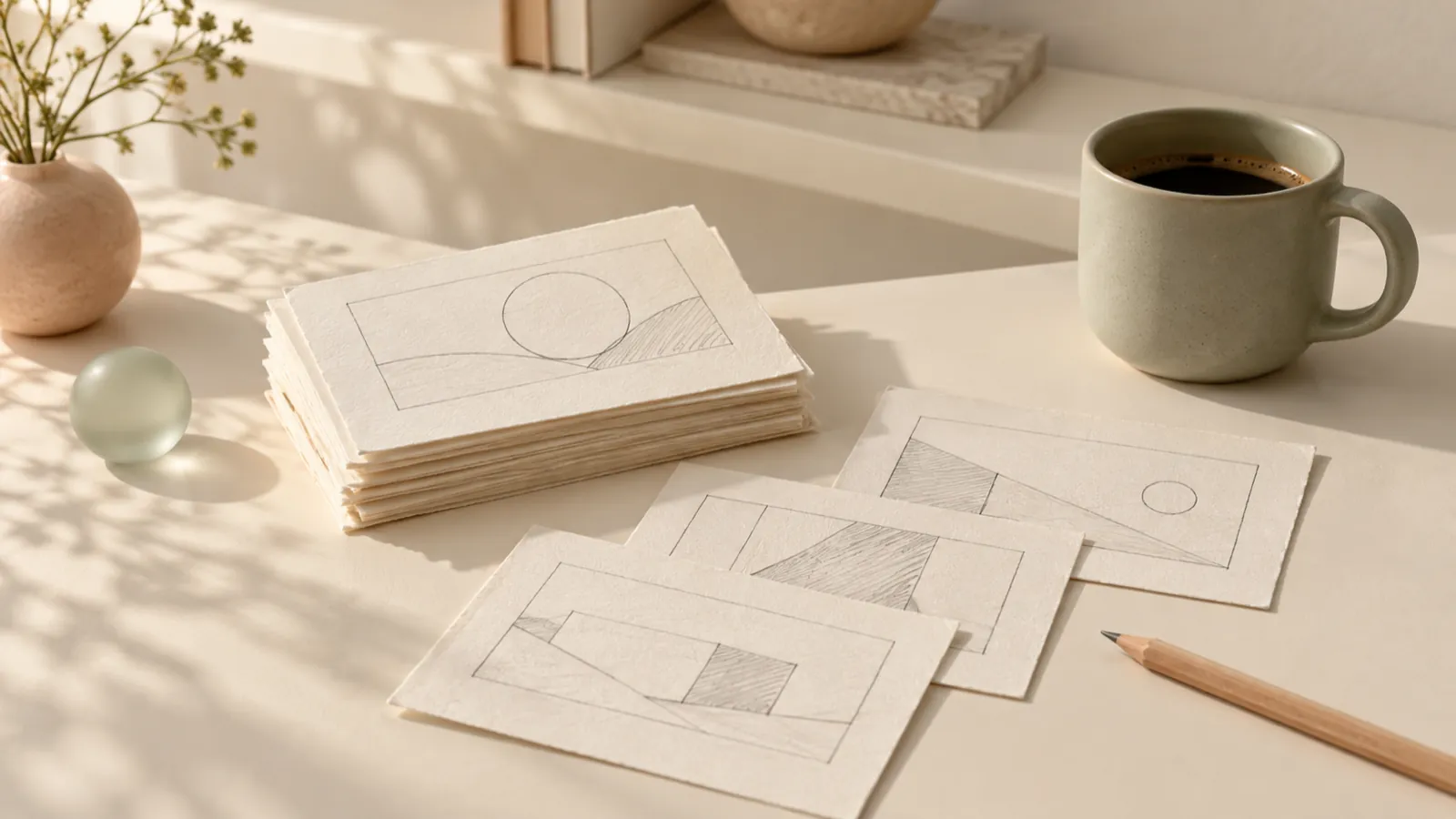
From the storyboard, build a shot list with these fields for each shot:
- Scene and shot number.
- What we see (for example: “hands reviewing blueprints on the table, close-up”).
- Location.
- Which version it's for (main video, vertical cut, ad).
Why it matters: the shot list lets you shoot out of order, grouping everything that happens in one place, without forgetting anything. It's also what you hand the editing team so they know exactly what they're working with.
Common mistake: shooting only the main shots and forgetting B-roll (details, hands, objects, atmosphere). In the edit, B-roll is what covers cuts and sets the rhythm.
5. Choose and prep your location
The location tells part of the story. An office with window light says something different from a warehouse full of boxes, and both can be the right call.
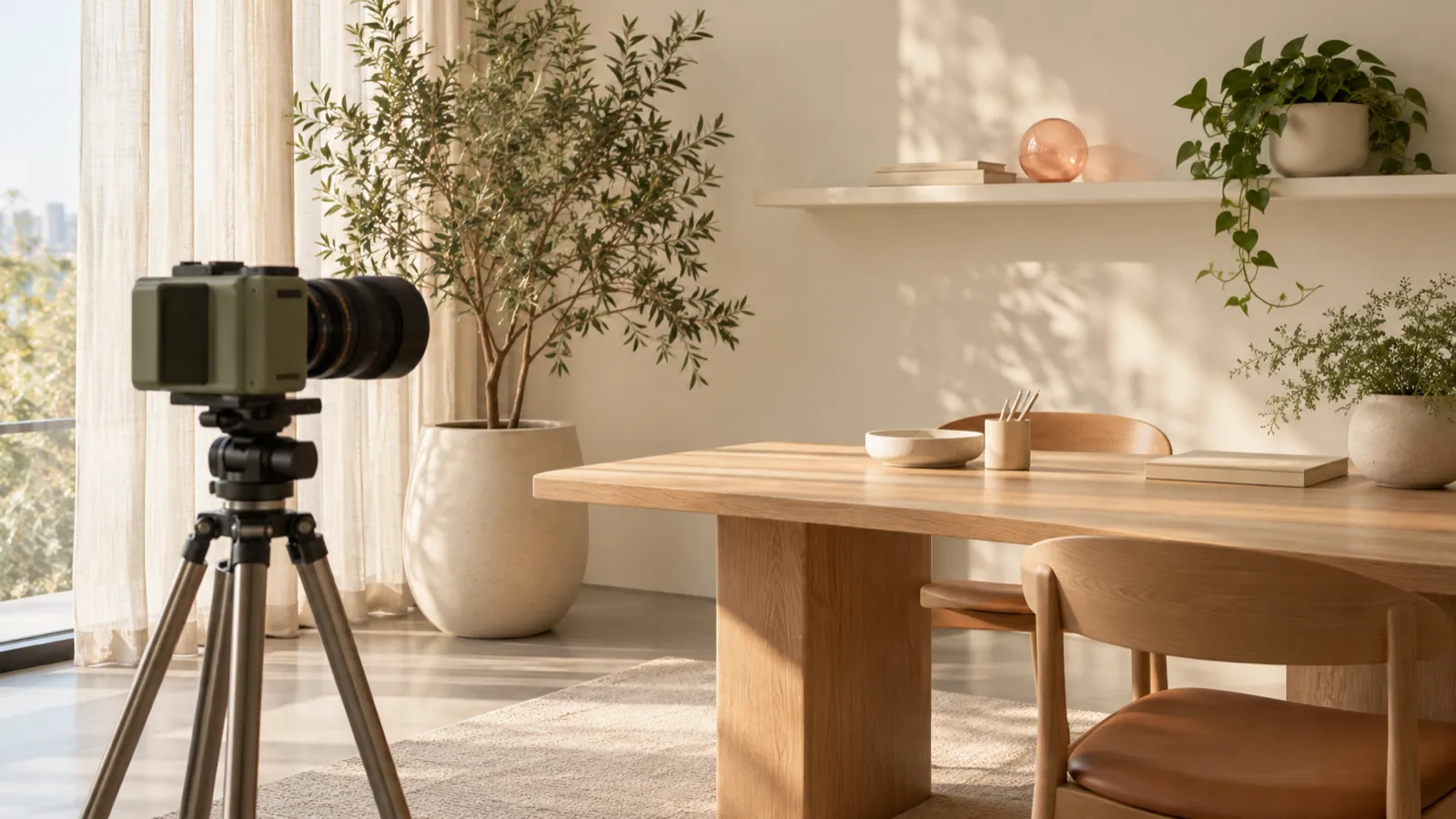
Scout the space before the shoot, at the same time of day you'll be filming, and check:
- Noise. Air conditioners, refrigerators, traffic, the neighbor's music. The mic hears everything your brain tunes out.
- Light. Where the sun comes in and how it shifts over two hours.
- Background. What shows up behind your subject: cables, boxes, screens with private information, other brands' logos.
Common mistake: cleaning up the location on shoot day. Tidying, clearing out objects and dressing the set takes longer than it looks, and every minute comes out of your shooting time.
6. Plan light and audio as part of the script
Light defines how your brand feels. Soft light falling in from the side brings warmth and texture; hard light from above carves shadows under the eyes and makes the image look tired. Decide the mood you want before you arrive.
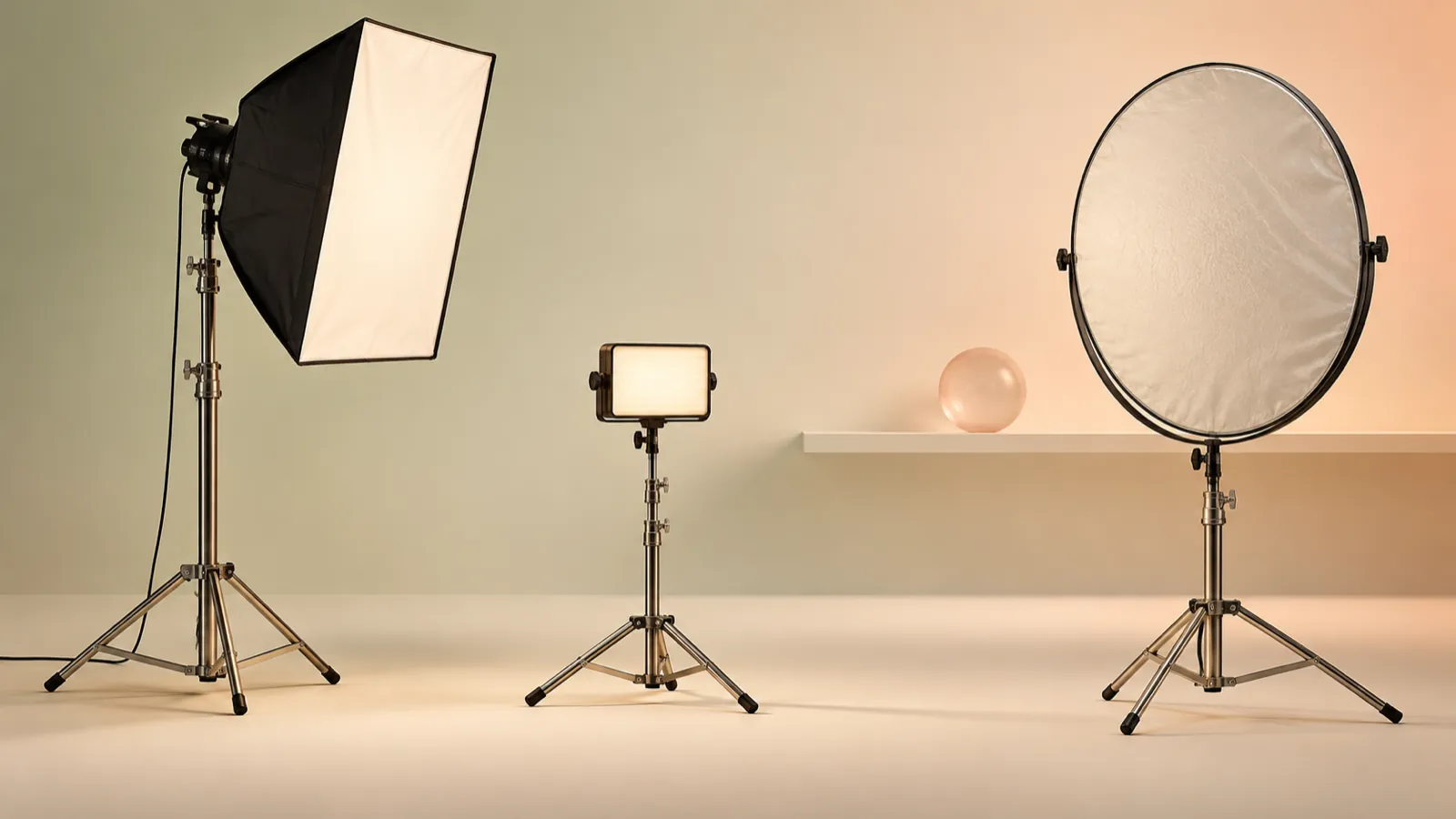
Principles that almost always work:
- One soft key light to one side of your subject, slightly above eye level.
- A fill on the opposite side to soften the shadow, either a second, weaker light or a reflector.
- Don't mix color temperatures without a reason. Combine window light with yellow bulbs and skin tones can turn strange.
Audio matters as much as the image. Viewers will forgive a slightly dark shot, but they'll abandon a video they can't understand. Use lavalier mics or a shotgun mic close to your subject, record a few seconds of room tone to clean up in the edit, and monitor with headphones while you shoot.
Common mistake: relying on the camera's built-in mic. It's far from the speaker's mouth and mostly picks up the echo of the room.
7. Prepare the people on camera
Almost everyone stiffens up when the camera's rolling. Your job is to make it feel like a conversation, not an exam.
- Interview instead of a memorized script. Prepare open questions that draw out the ideas in your script. For example: “What would you tell someone who's nervous about starting their build?”
- Ask for complete answers. Have the person fold the question into the answer (“What I'd tell someone who's nervous is…”), so the line works on its own without your voice.
- Wardrobe. Solid colors, no thin stripes or small patterns that flicker on screen.
Common mistake: asking someone to repeat a line ten times “with more energy.” Change the question instead.
8. Edit for the goal, not for the footage
In the edit, you'll fall in love with shots that took real effort to get. Some of them will have to go. The question for every second is the same as in step 1: does this bring the viewer closer to the final action?
A workflow that saves you from redoing work:
- Rough cut with the voiceover or interview. Arrange the audio until the story makes sense just by listening.
- Picture on top. Cover the voice with your shots and B-roll.
- Music. Use tracks licensed for commercial use.
- Color and sound. Match tones across shots and balance the levels of voices and music.
- On-screen text and captions. Lots of people watch with the sound off. Captions set in your brand typeface make sure the message still lands.
- Close on the action. Repeat on screen and out loud what the viewer should do.
Common mistake: showing the cut to ten people and trying to please all of them. Decide who signs off and against what standard: the goal from step 1.
9. Plan distribution from day one
A video nobody sees doesn't sell. Decide where it will live before you shoot, because every placement asks for something different.
- Website. On the home page or the service page, close to the contact button. Make sure it doesn't slow the page down.
- Social media. Cut vertical versions from your strongest moments. If you framed with room around your subject, you can reframe without cutting anyone's head off. For exact specs, check each platform's official help pages, such as Instagram's guide to reel sizes or YouTube's guide to Shorts.
If you want more pieces out of the same shoot, use the day to also capture shots planned as vertical from the start: a team member explaining a detail, a before and after, a quick walk through the process.
Common mistake: posting it once and forgetting about it. A good video keeps working for a long time.
Common mistakes and final checklist
Before you call your video done, run through this list:
- The video has one goal and one final action, stated clearly.
- The core message fits in one sentence, and the video proves it with images, not just words.
- Every line in the script has an image to go with it.
- The voice is perfectly clear on headphones and on a phone speaker.
- Colors, typefaces and logo stay true to your brand identity.
- The music is licensed for commercial use.
- You have a version ready for every place it will be published.
- You backed up the raw footage in two separate places on shoot day.
When your video needs a production eye
This method lets you plan a solid video with your own team. If you want the piece to look and feel as polished as the rest of your brand, BDB Agency is a video production agency in Cancún, Mexico, working with local and international brands from script to social cuts. You can see examples in our portfolio and, if your identity isn't defined yet, start with branding so your video stands on solid ground. Whenever you're ready to talk it through, reach out through our contact page.
Frequently asked questions
How long should a corporate video be?
As long as it takes to hit its one goal, and not a second longer. Set the length after you write the script, not before, and cut anything that doesn't move the viewer toward the final action.
Do I need professional actors, or can I film my own team?
Your team usually builds more trust because they're real, as long as they feel comfortable on camera. It helps a lot to interview them instead of asking them to recite lines: you ask questions, they answer in their own words, and in the edit you keep the best lines.
What matters more, the camera or the script?
The script. An expensive camera can't rescue a confusing message, while a clear idea with good light and good audio can hold up even on simple gear.
Can one video work for both my website and social media?
It works as a base, but plan every version you'll need from the start. If you know there will be vertical cuts for social, frame with room around your subject so you can reframe later without losing anything.